

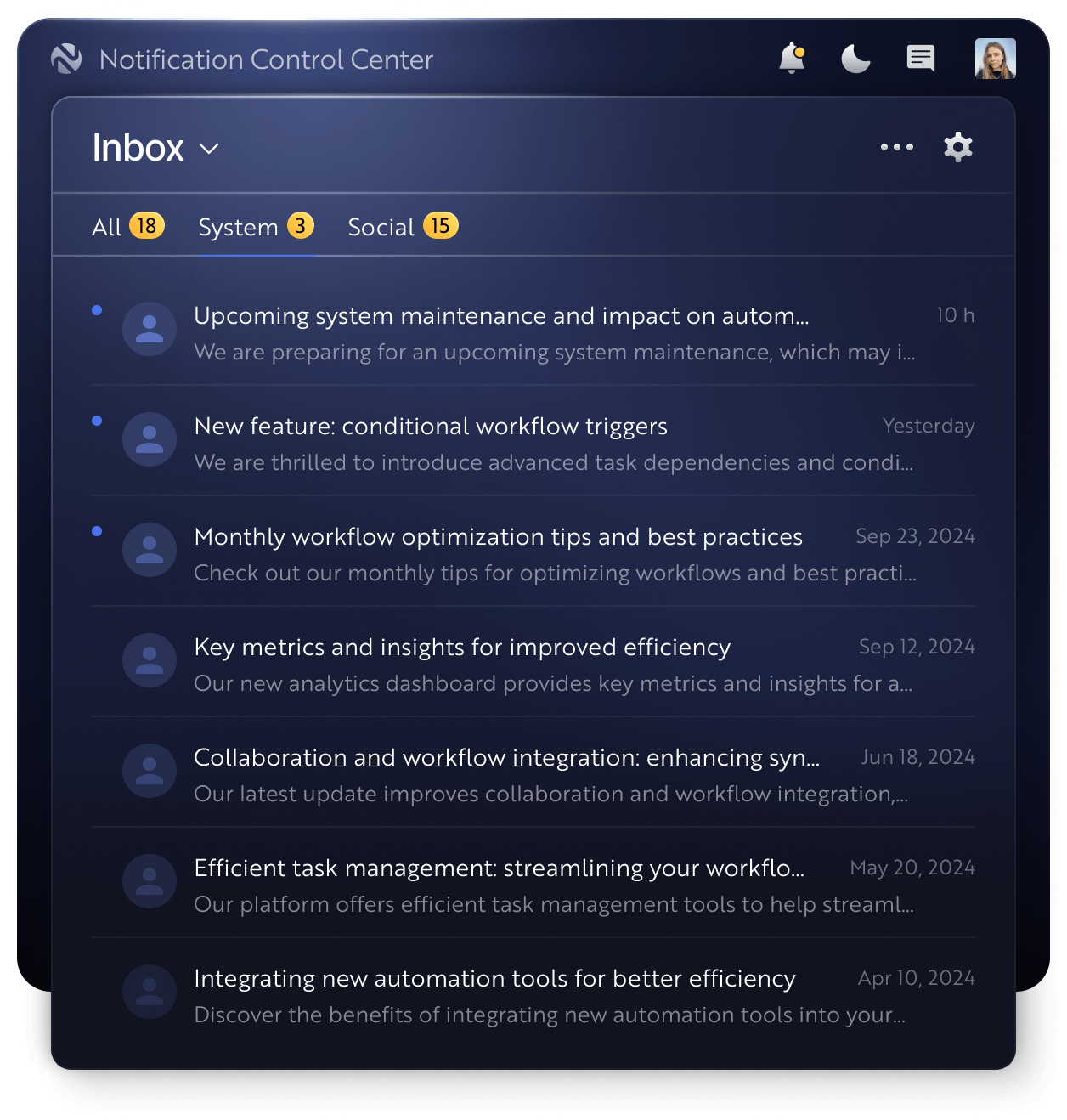
Why use the Novu Inbox?
- You want to notify users directly within your application.
- Pre-built UI components make the Inbox easy to include.
- Highly customizable and can be made to exactly match your existing branding and design.
- Users can access powerful subscriber preferences management direct from the Inbox.
- Provide a multi-tab notification experience.
- Synchronize notifications across devices in real-time, powered by web sockets.
- Secure your connection using HMAC encryption.
Concepts
Subscriber- is your product user who will receive the notifications through the In-App channel.Notification- is a message sent to the subscriber using an In-App channel (step) in the workflow.Notifications list- the list of all notifications sent to a particular subscriber.Tabs- allows to switch between notifications lists where the notifications can be grouped by particular workflow tags.Notification actions- are the buttons below notification content that can be clicked to perform any action or external API call.Redirect URL- when a single notification item from the list is clicked then it can be configured to perform an action or redirect to any URL.
Getting started
- Pre built UI component in React.
- Learn how to use headless library to build custom UI for other frameworks like Vue, Angular etc.
- React Native - Add a notification feed to your React Native app.